
What Is a Product Requirements Document (PRD)? Template, Examples, and How to Write One
A product requirements document defines what you're building and why. Learn what goes in a PRD, see a real template, and find out how teams automate the process.
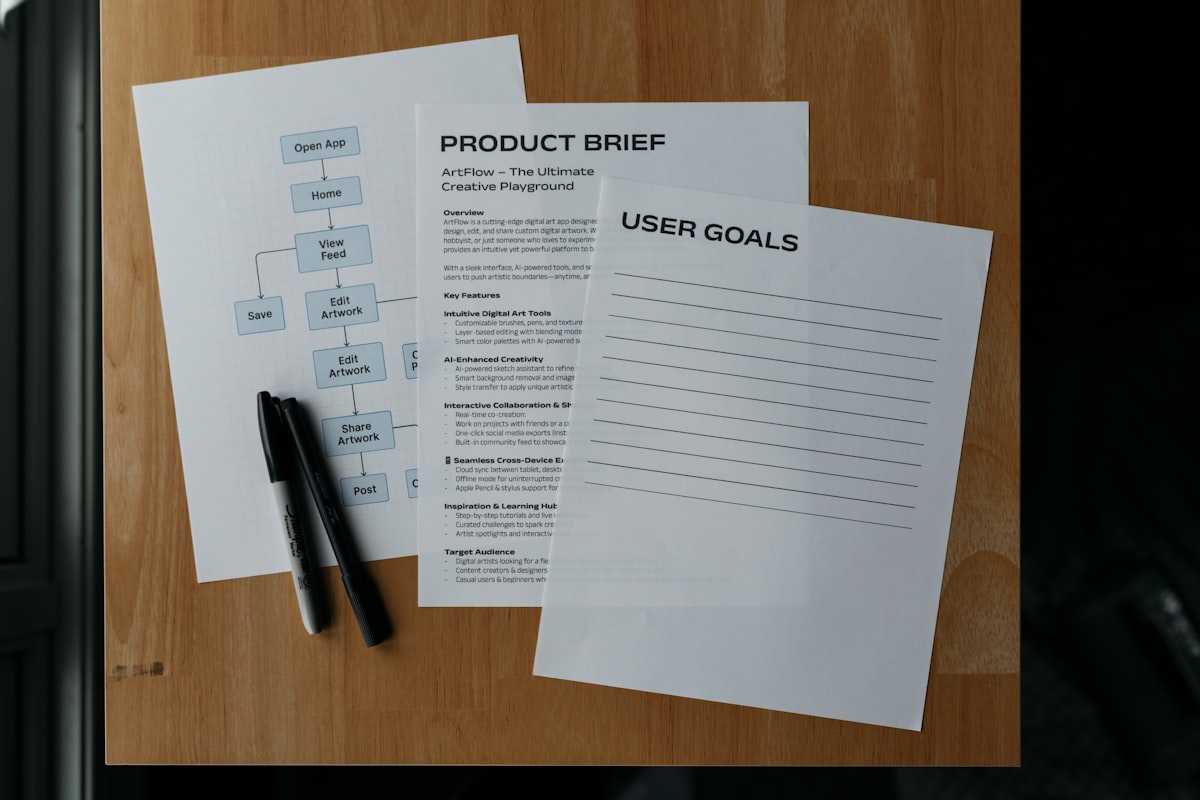
A product requirements document - usually called a PRD - is the written record of what a product feature or project needs to accomplish. It defines the problem you’re solving, who you’re solving it for, what the solution needs to do, and how you’ll know it’s working.
That’s the short version. In practice, the PRD sits at the center of product development. Engineers build from it. Designers reference it. QA tests against it. When alignment breaks down mid-sprint, the PRD is usually what people go back to.
This guide covers what a PRD is, what goes in it, a fill-in-the-blank template, and how modern teams are eliminating most of the manual writing work.
What a PRD Is (and Isn’t)
A PRD is not a spec sheet. It’s not a list of technical requirements. And it’s definitely not a design document.
A PRD answers the why and the what:
- Why are we building this?
- Who is it for?
- What does it need to do?
- How will we know it worked?
The engineering spec answers the how. The design doc answers the how it looks. Those are downstream from the PRD.
The PRD is also not a novel. The best PRDs are concise. If a PM can’t explain a feature in a page or two, the feature isn’t understood well enough to build yet.
What Goes in a PRD
Every team’s PRD format is a little different, but the core sections are consistent across good examples.
1. Problem Statement
What problem are you solving? Be specific. “Users want a faster experience” is not a problem statement. “Users on mobile abandon the checkout flow at the payment step 63% of the time - 3x the rate of desktop users” is a problem statement.
The problem statement should be grounded in data when possible. If it’s based on qualitative signals (customer interviews, support tickets, Slack feedback), say so.
2. Goals and Success Metrics
What does success look like? This section answers two things:
- What are we trying to achieve? (qualitative goal)
- How will we measure it? (quantitative metric)
Example:
- Goal: Reduce friction in the mobile checkout flow
- Metric: Mobile checkout abandonment below 25% within 90 days of launch
One goal, one metric is fine. Stacking five KPIs dilutes accountability.
3. Scope
What’s in scope and what’s explicitly out of scope? The “out of scope” section is often more valuable than the “in scope” section. It prevents scope creep and answers the question before someone asks it.
4. User Stories
User stories describe the feature from the user’s perspective:
As a [type of user], I want to [do something] so that [I get some benefit].
Good user stories are small enough to ship in one sprint and testable. If you can’t write an acceptance criterion for it, the story is probably too vague.
5. Functional Requirements
The specific behaviors the product needs to support. This is where “the system shall…” language lives.
Be precise here. “The user can upload a file” is weaker than “The user can upload files up to 10MB in PDF, DOCX, or XLSX format. Files over 10MB display an error message.”
6. Non-Functional Requirements
Performance, security, accessibility, and reliability constraints. These are often skipped in early PRDs and then become expensive problems in production.
Examples:
- Page load time under 2 seconds on a 4G connection
- WCAG 2.1 AA accessibility compliance
- Data retained for 90 days, then deleted per the retention policy
7. Open Questions
Things you don’t know yet. A PRD with no open questions is usually a PRD written after the fact. Naming open questions explicitly helps prioritize what needs to be answered before engineering begins.
8. Out of Scope (Again, Explicitly)
This is worth its own section if you have a long list. Writing out what you’re not building this sprint saves hours of conversation.
PRD Template
Here’s a fill-in-the-blank template you can copy:
Feature Name:
Author:
Last Updated:
Status: Draft / In Review / Approved
Problem Statement
[Describe the problem in 2-3 sentences. Include data where possible.]
Goals
- Goal 1: [What we want to achieve]
- Success metric: [How we’ll measure it]
Non-Goals (Out of Scope)
- [Thing we’re not building]
- [Thing we’ll address in a future sprint]
User Stories
- As a [user type], I want to [action] so that [benefit].
- As a [user type], I want to [action] so that [benefit].
Functional Requirements
- [Requirement 1]
- [Requirement 2]
- [Requirement 3]
Non-Functional Requirements
- Performance: [Specify]
- Security: [Specify]
- Accessibility: [Specify]
Open Questions
- [Question 1] - Owner: [Name]
- [Question 2] - Owner: [Name]
Dependencies
- [Other team or system this depends on]
Common PRD Mistakes
Too long. A 20-page PRD doesn’t get read. Aim for one to three pages for a single feature. Complex platform-level work can go longer, but most features shouldn’t.
Written in isolation. PRDs written without input from engineering, design, and data end up full of surprises. Write a draft, share it early, and iterate.
No success metric. If there’s no metric, there’s no way to know if you built the right thing. “Successful launch” is not a metric.
Skipping open questions. Teams that don’t write down what they don’t know end up discovering blockers mid-sprint. Surface uncertainty early.
Treated as final. A PRD is a living document, not a legal contract. It should change as you learn things. Version it and track changes.
PRD vs. User Story vs. Ticket
These three things are related but different:
| PRD | User Story | Ticket | |
|---|---|---|---|
| Scope | Feature or project | Single behavior | Single task |
| Audience | Cross-functional team | Engineering + QA | Engineer |
| Length | 1-3 pages | 1-2 sentences | A few lines |
| Lives in | Confluence, Notion, Drive | Jira, Linear | Jira, Linear |
A PRD might contain ten user stories. Each user story might generate two or three Jira tickets. The PRD is the container; stories and tickets are the work items.
How AI Is Changing PRD Writing
Writing a PRD manually is time-consuming. You need to pull context from multiple places: recent meeting notes, Slack discussions, customer feedback, existing tickets, prior research.
The traditional process looks like this: spend 20-30 minutes prompting ChatGPT, manually copy-paste context from four different tools, iterate on the output, then manually export into Jira or Notion.
The better approach is an AI agent that already has access to all your context - meetings, Slack, GitHub, existing tickets - and writes the first draft for you without any prompting. You review, refine, and approve. The research and synthesis work is automated; the judgment stays with you.
Telos does this. After a planning call, it cross-references what was discussed against your existing backlog, prior meetings, and Slack context, then proposes tickets and PRD drafts in a left-side panel. You can refine them iteratively before exporting directly to Jira, Linear, or Asana.
The result: PRDs that would take 20-30 minutes of manual context-gathering take a few minutes of review instead.
Ready to see how it works? Book a walkthrough of Telos - or read more about how AI is changing product management automation.